FileLockCheck is an application to show, which processes are locking a folder or file. This
is useful to find out why we cannot delete a folder or a file... double so, when trying to delete
a monstrous node_modules folder. 🤭
I have released the MSI installer to GitHub at:
Basic Usage
Start the File Lock Check application using the Desktop Shortcut or using the executable.
You'll see a new tray icon appears:
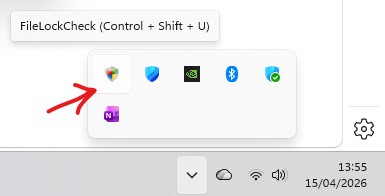
Now just select a folder or file in Explorer and press Control + Shift + U.
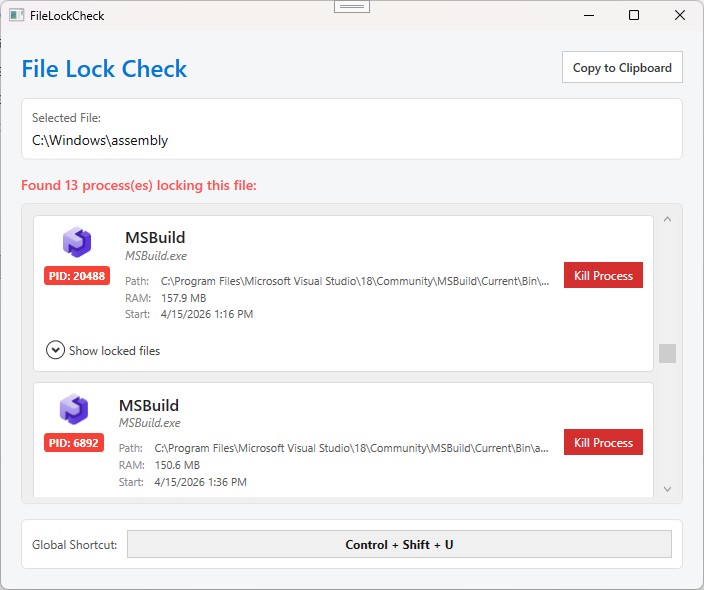
You will then see all processes locking the folder or file:
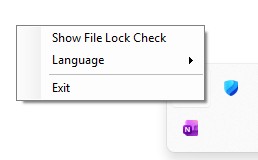
You can switch the language or quit the application using a Right Click on the Tray Icon:
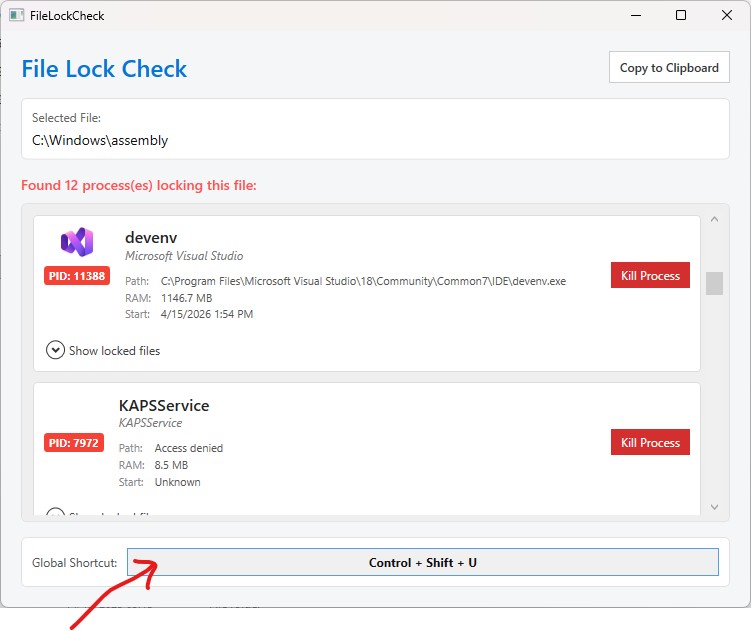
To change the Global Shortcut click into the Shortcut Box and press your desired Key combination:
Feedback
I would appreciate a little feedback! 🙃